
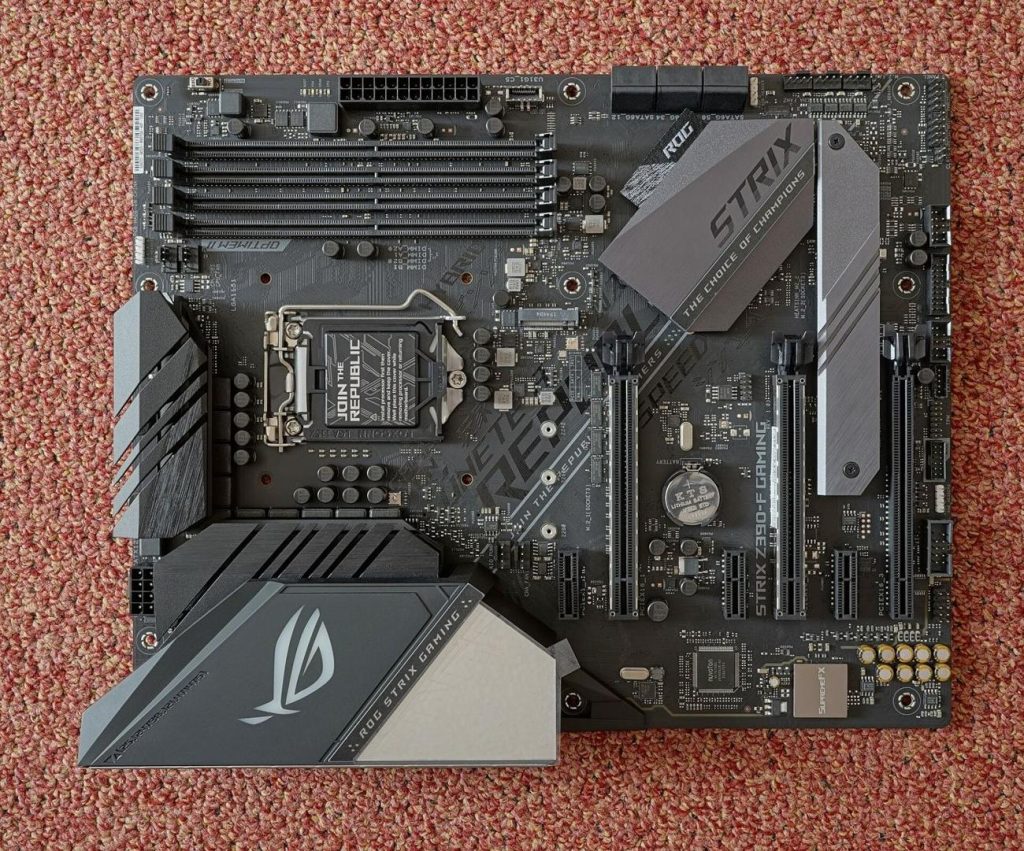
Every year, millions of computers are replaced not because they have failed, but because they have become slow. The distinction matters. A machine that takes ten minutes to settle after booting, or gasps when the browser opens, feels finished — yet in many cases its processor, screen and storage are perfectly serviceable. What has run out is not the hardware’s life, but its breathing room.
Slow Is Usually Software, Not Age
Computers slow down for cumulative reasons. Programs accumulate, each adding background services and startup items. Browsers grow heavier. And memory — the workspace everything passes through — fills with the residue of everything the machine has done since it last restarted. When that workspace is exhausted, the computer swaps data to storage constantly, and a five-year-old PC starts performing like a fifteen-year-old one.
The environmental maths of premature replacement is worth a thought. Manufacturing a new laptop carries a substantial carbon and materials cost, most of it incurred before the box is opened. Extending a working machine’s useful life by even two years is one of the simplest reductions a household or small business can make.
Reclaim Before You Replace
Start with the free interventions. Remove programs you no longer use, cut the startup list to essentials, and make a habit of reclaiming memory. A small utility such as Wise Memory Optimizer releases the RAM that applications have finished with but not returned — often several hundred megabytes at a time — and reorganises the rest through defragmentation, so the memory you own is actually usable. Its automatic mode keeps the tidying going in the background, which suits a machine shared by a whole household. Details are at wisememoryoptimizer.com.
If you do spend money, spend it where it counts: more RAM and, on older machines, an SSD are transformative compared with a whole new system, at a fraction of the cost and waste. A technician can fit both in under an hour.
Years, Not Months
The Same Logic for Small Businesses
What holds for one household machine holds across a small office. A fleet of five or ten ageing desktops, each maintained rather than replaced, represents a substantial avoided purchase — and a substantial avoided pile of equipment for disposal. Memory reclamation and startup pruning cost nothing but an hour of setup per machine, and automatic tools keep the benefit in place without relying on every staff member remembering a routine.
There is a productivity angle too. The minutes lost to slow boots, stalled browsers and beachball cursors are real working time, multiplied by every employee and every day. Businesses routinely tolerate this drag because the alternative quote — new machines all round — looks worse. Basic maintenance breaks that false choice.
Procurement policies are beginning to reflect the shift, with repair and lifetime extension written into purchasing rules in a growing number of organisations. The humble memory clean-up will not headline any sustainability report, but as part of a maintain-first habit it does quiet, compounding work: fewer replacements bought, fewer machines binned, and computers that stay pleasant to use for the whole of their longer lives.
None of this denies that some machines truly reach the end — unsupported operating systems and failed components are legitimate reasons to move on. But the default question deserves reversing. Instead of asking whether a slow PC can be replaced, ask whether it has actually been maintained. Very often, a free clean-up of its memory and a modest upgrade turn a candidate for the recycling pile back into a perfectly good computer, with years of service still in it. The planet, and your bank balance, will both notice the difference.
Related reading: The Energy Footprint of Always-On Entertainment Platforms
